Waive an obligation that does not apply
Mark a calendar entry as not applicable with an audited reason.
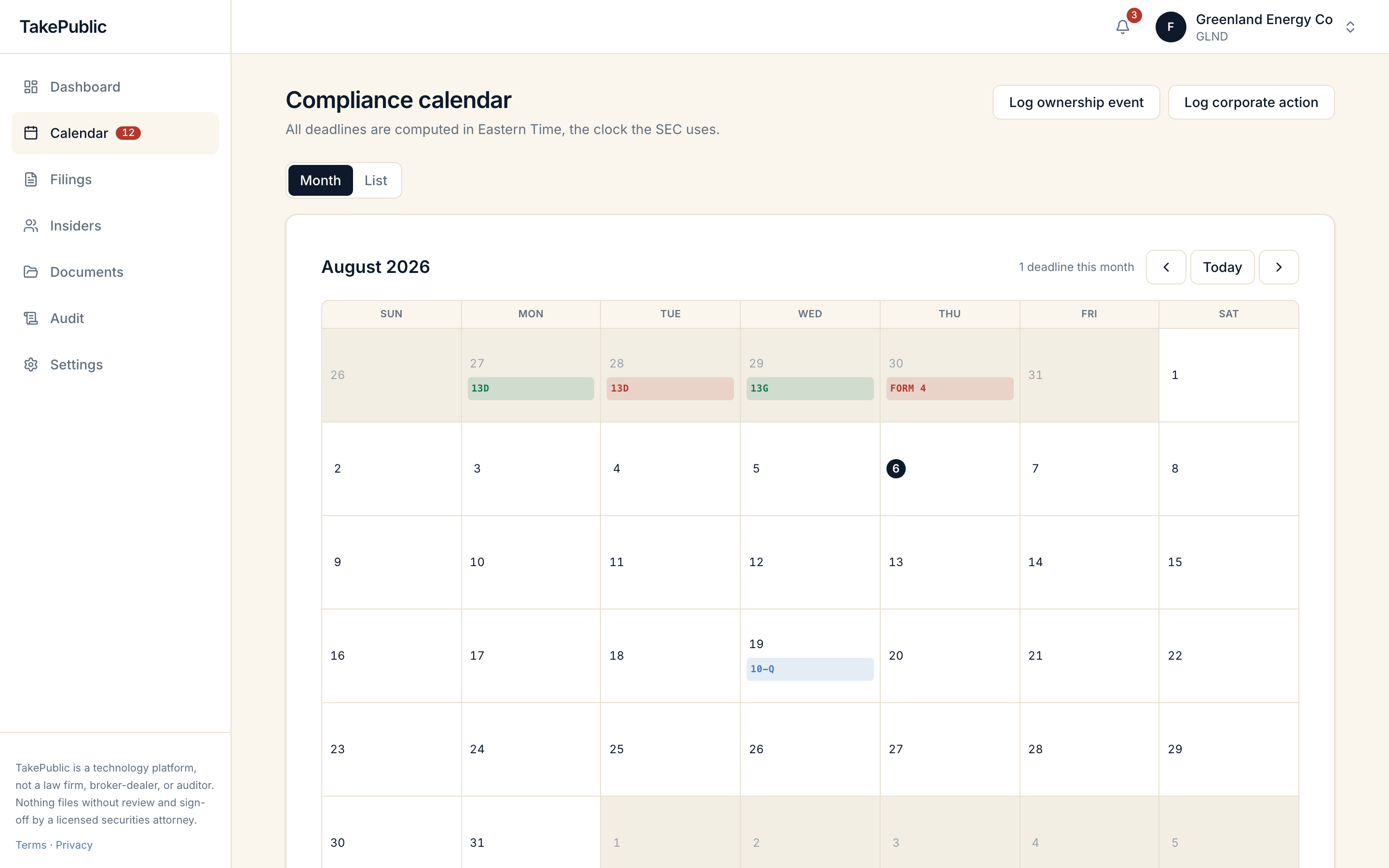
When to waive
Sometimes a scheduled obligation genuinely does not apply, such as a filer-status re-confirmation handled before you joined or a proxy entry for a company that does not solicit.
- Select Doesn't apply on the calendar entry and provide the required reason.
How it works
Only company admins can waive, a written reason is required, and both are recorded in the append-only audit trail. Waived entries stop counting toward missed deadlines and no longer drive the Next deadline card or alerts.
Deadlines linked to an in-progress filing cannot be waived.
When in doubt
If you are not certain an obligation is inapplicable, confirm with your securities counsel before waiving. TakePublic is a technology platform, not a law firm.
Was this helpful?
Thanks for the feedback.A 0 to 100 score with letter grade A through F, shared by the app and free scanner.
Still need help?
Sign in and open the Help widget from the lower right corner to message the team. Replies land in the app and by email.
TakePublic is a technology platform, not a law firm, broker-dealer, or auditor. Nothing files without review and sign-off by a licensed securities attorney.