Connect your books
Link QuickBooks Online, upload a CSV trial balance, or import from a link-shared Google Sheet.
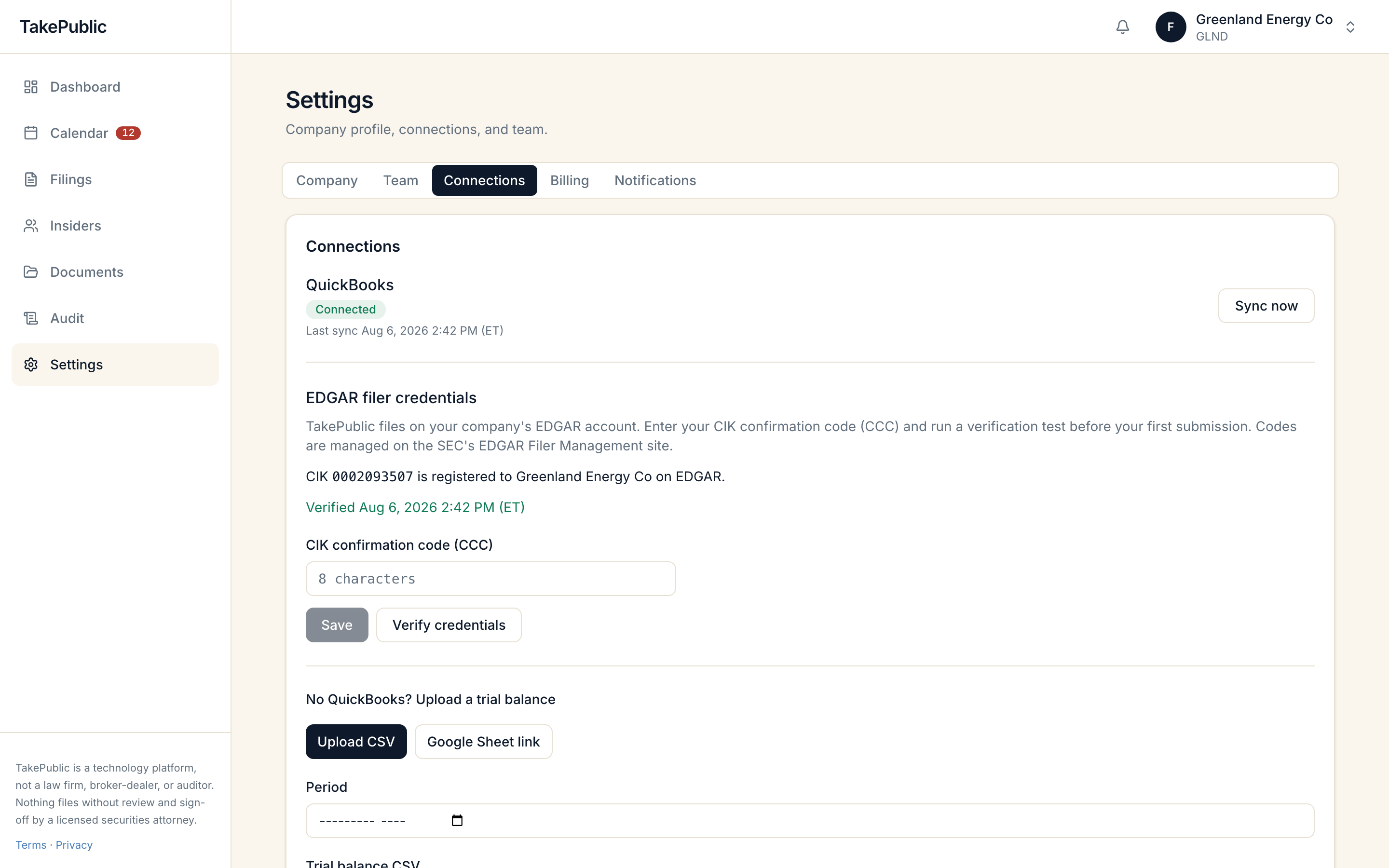
QuickBooks Online
TakePublic syncs trial balance periods from your connected company.
- Connect QuickBooks through OAuth in Settings or during onboarding.
Tokens are encrypted at rest.
CSV import
Import a trial balance from QuickBooks Desktop, Xero, NetSuite, Sage, or a bookkeeper export.
- Upload the trial balance CSV.
- Review the column validation before committing the import.
Google Sheets
TakePublic fetches the public CSV export and runs the standard import path.
- Paste a link to a link-shared Google Sheet.
Private sheets that require Google OAuth are not supported yet.
Books tie-out during onboarding
After you connect QuickBooks or import a trial balance during onboarding, TakePublic runs a readiness check against your books. The Books tie-out panel lists reconciliation gaps with plain-English explanations and cited accounts before you start drafting.
- Resolve gaps in your ledger or confirm them with your bookkeeper before starting the first draft.
Was this helpful?
Thanks for the feedback.Dashboard layout, Cmd+K search, the getting-started checklist, and notifications.
Still need help?
Sign in and open the Help widget from the lower right corner to message the team. Replies land in the app and by email.
TakePublic is a technology platform, not a law firm, broker-dealer, or auditor. Nothing files without review and sign-off by a licensed securities attorney.