File an 8-K
Create a current report from the Filings page: item selection, event date, summaries, deadline, and review path.
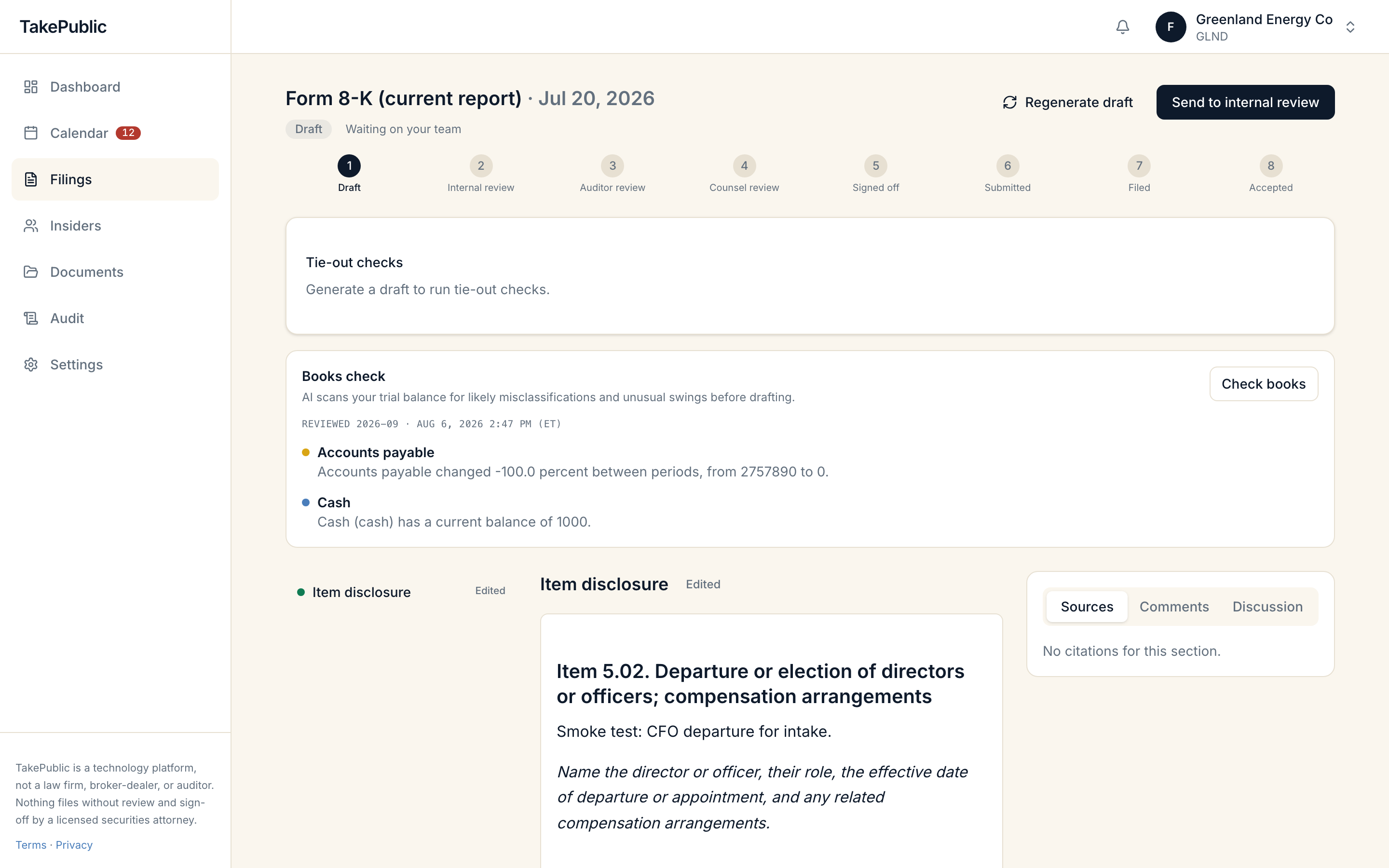
Start from the Filings page
Company admins and users create an 8-K from the Filings page.
- Select Report an event.
- Choose the event date.
- Select one or more 8-K items.
- Write a short summary for each selected item.
- Create the draft.
Every selected item needs a summary before you can create the draft.
Item selection and summaries
Each 8-K item number lists its SEC title and a prompt to guide your summary. You can select multiple items for one event when the facts warrant it. TakePublic creates the filing and opens the workspace with those items ready for drafting.
Deadline
Form 8-K is due four business days after the trigger event, computed in ET. TakePublic uses the event date you enter as the trigger when scheduling the deadline on your Compliance calendar.
Review path
8-K filings skip auditor review because they do not carry audited financial statements. The filing moves from draft through internal review directly to counsel review. The counsel gate still applies: a licensed securities attorney must sign off on the exact document before anything submits to EDGAR.
Official sources
Was this helpful?
Thanks for the feedback.The filing state machine from draft through counsel sign-off to EDGAR acceptance.
Still need help?
Sign in and open the Help widget from the lower right corner to message the team. Replies land in the app and by email.
TakePublic is a technology platform, not a law firm, broker-dealer, or auditor. Nothing files without review and sign-off by a licensed securities attorney.