Create your account
Sign in with Google or email and password to start onboarding.
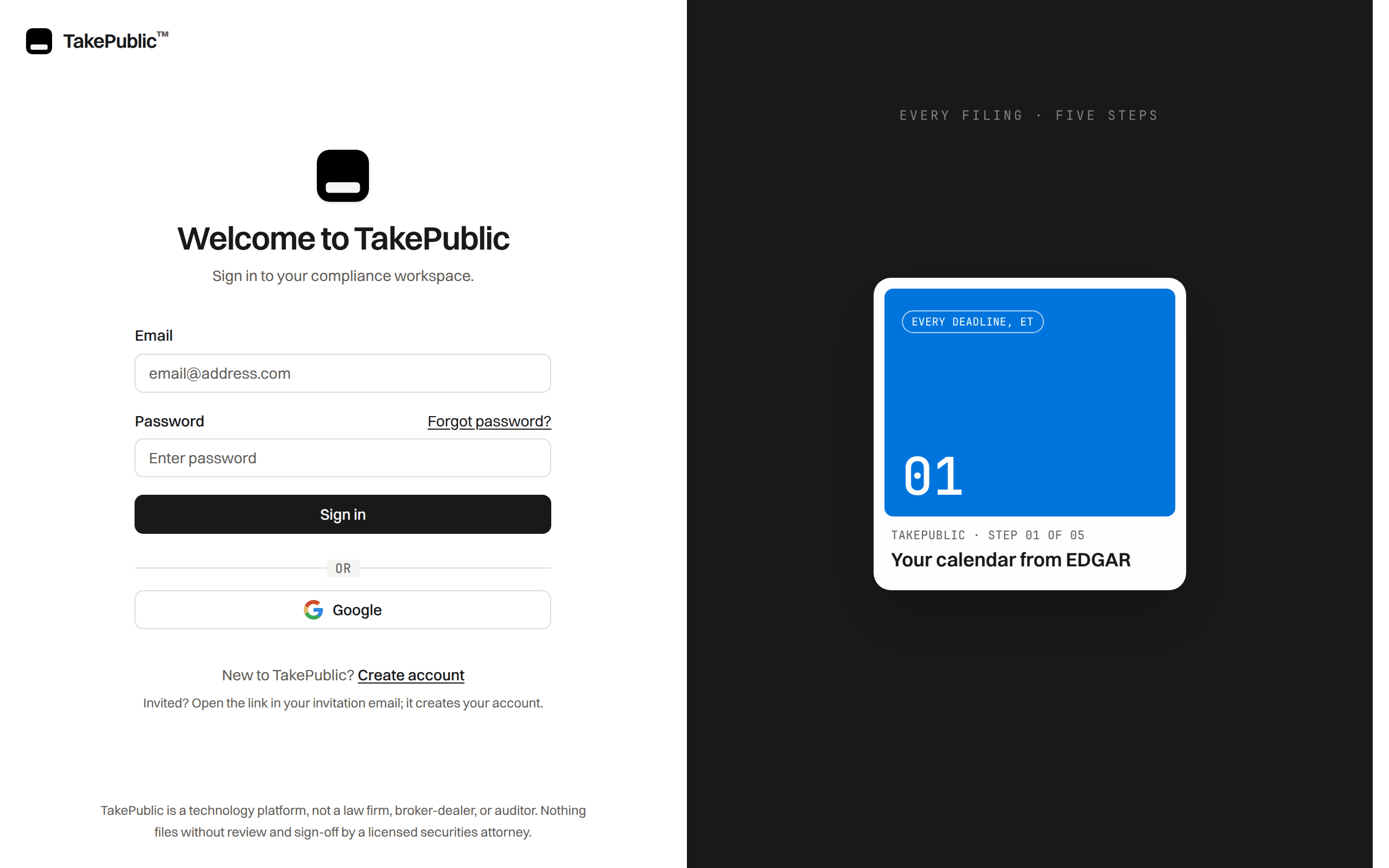
Sign-in options
Sign in with Google, with your email and password, or with Email me a sign-in link; without an invitation, a new account goes straight into onboarding.
Company single sign-on through Okta or another SAML or OIDC provider is not available. A Google work account signs in with its button like any other account.
Counsel and platform admin accounts use two-step verification on every sign-in.
Change your sign-in email
Choose Change beside Email under Settings › Account. A code goes to the new address; enter it within 30 minutes with your current password. Every session ends, and you sign in again with the new address.
The new address carries over to the insider records linked to your account and to invitations still waiting for the old one. An account with no password sets one under Sign-in methods first.
What happens after sign-in
Onboarding is two screens, and your workspace opens when checkout completes.
- Company: find your company on EDGAR, confirm the reporting profile read from its filings, and give your name.
- Plan: accept the terms and pick a plan.
Your mobile number, insiders, counsel and team are added after checkout, in Settings and on the Insiders page.
More detail
If your session ended while you were paying, the return page reads "Sign in to finish your setup": your checkout is recorded, and Sign in again brings you back to this page with your new workspace open.
If the dashboard reads "Could not verify your subscription", your plan could not be read. Try again re-reads it, and a company admin can choose Resume checkout to open the plan step, which shows the checkout, the pending payment, or your active plan, whichever your record says.
Was this helpful?
Thanks for the feedback.Look up your CIK, confirm fiscal year end, and set filer status for deadline math.
Still need help?
Sign in and open the Help widget in the lower right corner to message the team. Replies land in the app and by email.
TakePublic is a technology platform, not a law firm, broker-dealer, or auditor. Forms 3, 4 and 5 prepared in TakePublic file only after the reviewer the company designates, such as its securities counsel, signs off; any other filing prepared in TakePublic files only after a licensed securities attorney signs off.