Deadline alerts
Email from 30 days out through 7 days past due.
Where: Settings › Notifications
Email alerts
Every open deadline emails company admins and company users at 30, 14, 7, 3, and 1 days before the due date (ET), on the due date, and at 1, 3, and 7 days past due.
A row marked Filed outside TakePublic (your agent or counsel files it) keeps only the day before, the due date and the past-due days.
Alerts stop as soon as the obligation is satisfied or waived. Deadline mail cannot be switched off for company admins and users; a company admin adds counsel, auditor, preparer or director roles on the Deadline reminders row under Settings › Notifications › Company.
Remind me on a deadline sets reminders for that one deadline, for you alone (see Set your own reminders).
A weekly summary is off unless you turn it on: Email me the week's deadlines on Mondays, under Weekly summary on Settings › Notifications, sends one email each Monday morning with what is due in the next seven days and anything past due (ET). Nothing is sent in a week with nothing to list.
A Rule 12b-25 extension restarts the ladder for the extended date: each step fires once for the new date, and the alerts you already received stay where they are.
In the app
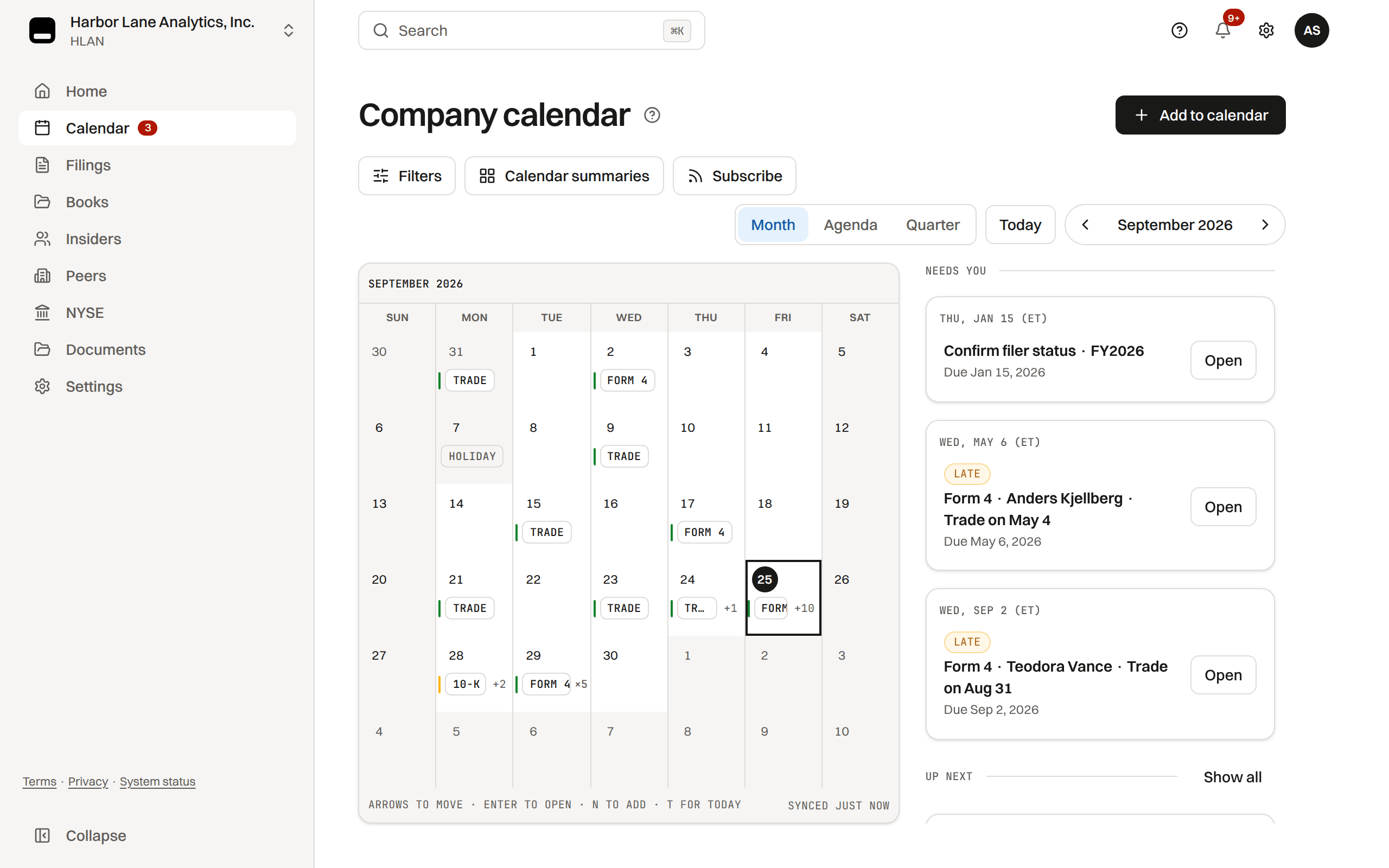
The same alerts appear in the notification bell, and the Regulatory layer of the Company calendar shows every open deadline with its due date in ET. The email's Open the deadline button and the bell row open that deadline's own row on the calendar. Public records, workflow events and company events get no alerts.
Was this helpful?
Thanks for the feedback.Pick the days before and after one due date you want an email or a text about, from the deadline's panel on the Company calendar.
Still need help?
Sign in and open the Help widget in the lower right corner to message the team. Replies land in the app and by email.
TakePublic is a technology platform, not a law firm, broker-dealer, or auditor. Forms 3, 4 and 5 prepared in TakePublic file only after the reviewer the company designates, such as its securities counsel, signs off; any other filing prepared in TakePublic files only after a licensed securities attorney signs off.