Bring your own counsel
Invite a licensed securities attorney as counsel. Only counsel can sign off.
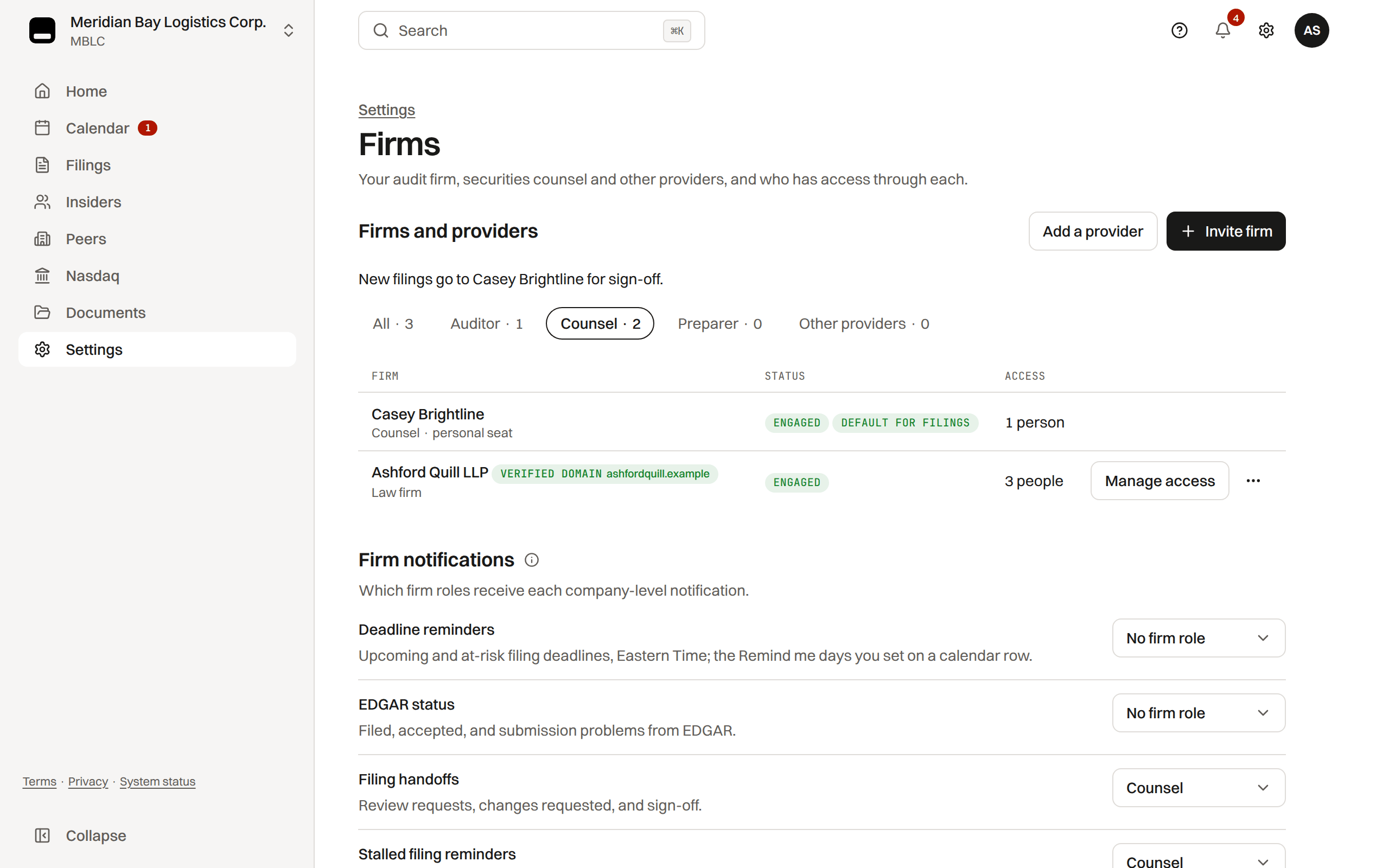
Where: Settings › People › Firms
Your attorney, your relationship
Invite your own licensed securities attorney as counsel from Settings › People › Firms with Invite counsel; their professional duties run to you, not to TakePublic.
TakePublic is a technology platform, not a law firm.
Sign-off
Counsel reviews, requests changes if needed, and signs off bound to the SHA-256 hash of the full document, so an edit afterwards needs a new sign-off. Counsel uses two-step verification at every sign-in.
Filing through your own agent
If your own EDGAR agent files a form instead, mark its deadline Filed outside TakePublic; the deadline closes when EDGAR lists the filing.
Was this helpful?
Thanks for the feedback.What each role can do in the filing workspace.
Still need help?
Sign in and open the Help widget in the lower right corner to message the team. Replies land in the app and by email.
TakePublic is a technology platform, not a law firm, broker-dealer, or auditor. Forms 3, 4 and 5 prepared in TakePublic file only after the reviewer the company designates, such as its securities counsel, signs off; any other filing prepared in TakePublic files only after a licensed securities attorney signs off.